
Bulk resize and compress images online
Resize up to 50 images in one batch. Set exact pixels, percentage, width, height, longest side, output format, or a target KB size, then download the results together.
How to Bulk Resize Images Online
1. Upload up to 50 images
Select or drag up to 50 JPG, PNG, or WebP images into the batch uploader.
2. Choose resize settings
Pick your resize mode — percentage, exact dimensions, width, height, longest side, or target file size.
3. Download all results as ZIP
Download all your resized photos together as a single ZIP file, processed entirely in your browser.
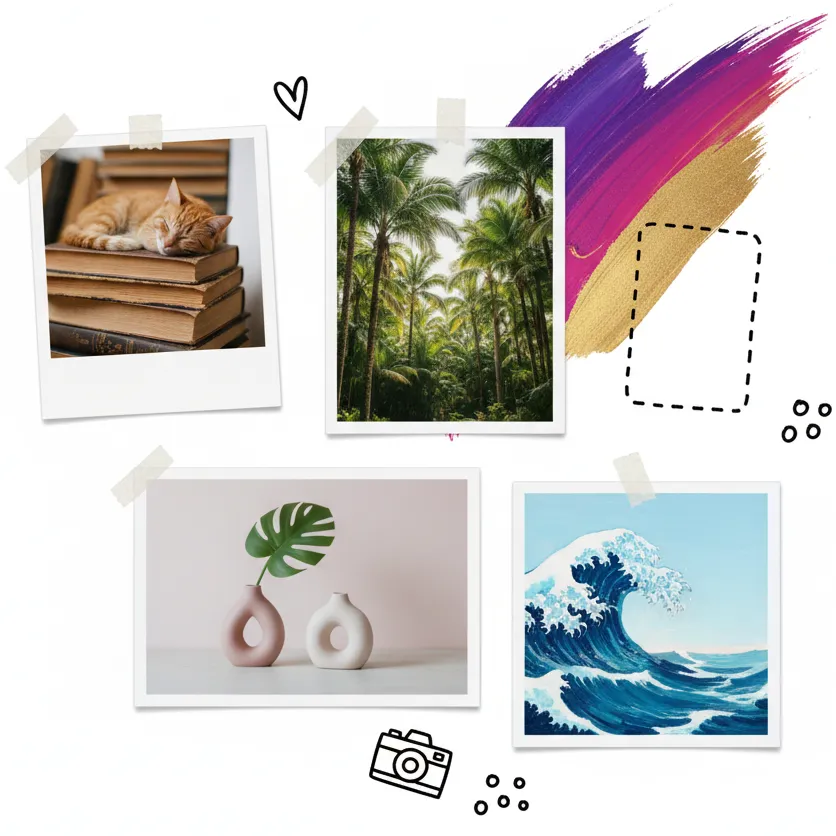
Resize a Batch by Pixels or Percentage
Scale multiple pictures to identical pixel dimensions or proportionally by percentage in seconds.
Keep aspect ratios intact or apply padding to ensure uniform catalog or social media formats.
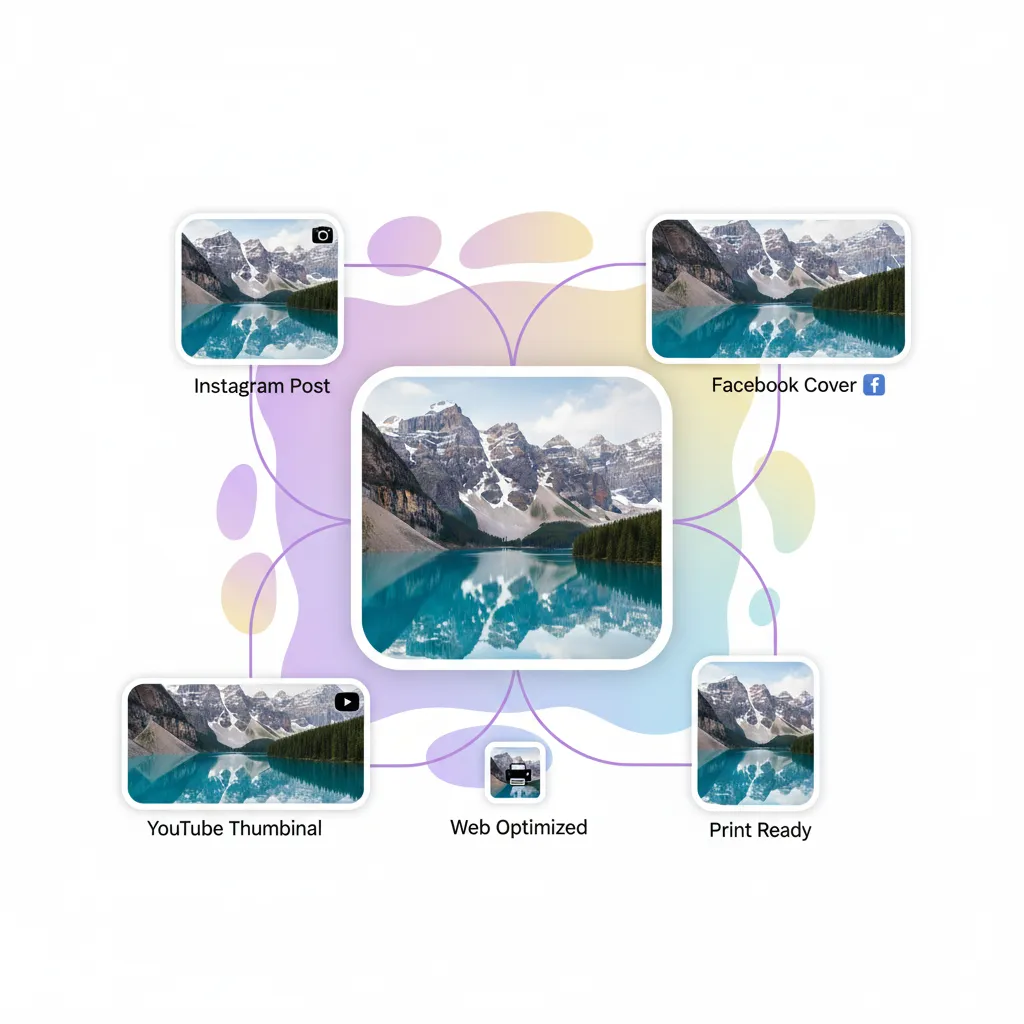
Set Maximum Width, Height, or Longest Side
Fit photos of varying orientations to consistent maximum boundaries without manual calculation.
Ideal for portfolio galleries, web articles, and e-commerce listings.
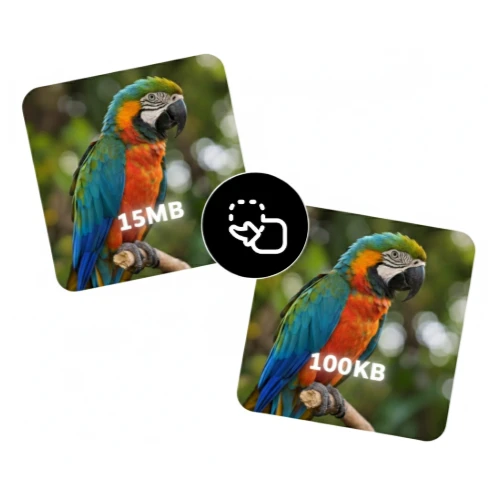
Compress Multiple Images to a Target File Size
Reduce batch file weights for email attachments, web publishing, or portal uploads with a target KB size.
Adjust JPEG and WebP quality while preserving visual fidelity where possible.
Bulk Resize Images — Frequently Asked Questions
Common questions about batch image resizing and limits
How many images can I process at once?
Can I resize multiple images to the same dimensions?
Can I compress every image under a KB limit?
Which input and output formats are supported?
What happens when an image cannot reach the target size?
Are files uploaded to a server?
Fast and Private Batch Image Resizer
Need to resize multiple images at once? Our batch tool handles up to 50 photos simultaneously in your browser. Resize by percentage, exact dimensions, target width or height, longest side, or target file size. Convert formats between JPG, PNG, WebP, and AVIF, then download all files as a single ZIP archive without uploading your photos to an external server.
Related image tools
Explore more local, privacy-safe browser image utilities
Resize single image
Resize an image by exact pixels, percentage, or social media presets.
Compress an image
Reduce JPG, PNG, and WebP file sizes with live size and quality previews.
Compress image to KB
Target exact file thresholds like 20KB, 50KB, 100KB, or custom sizes.
Crop an image
Crop to exact dimensions, fixed aspect ratios, or circle masks with transparency.